You’re about to skyrocket your computer’s speed in a BIG way- a way that will not only make it run faster, but will leave you feeling all “I can see clearly now, the clutter’s gone!”
But first, a disclaimer:
Depending on how out of hand your clutter is, boosting your computer’s speed may take a little while. But, once you’re done, keeping your virtual life organized (and running smoothly) will be a breeze.

First things first, take some time to do some serious file cleaning. Do you really need everything you have stored on your computer? Chances are, there’s a lot on there that is doing nothing more than taking up space, and dragging your computer’s speed down. So, go through and delete anything you don’t need. If you have templates collecting dust, that you downloaded six months ago and have never used, chuck it.
Once you’ve gotten rid of the dead weight, time to tackle your desktop. Did you know a cluttered desktop can tank your computer’s speed? It’s all about folders, baby! Folders for your clients, for stock images, for ideas, for downloads, every single thing you have on your computer needs a home.
Here’s my desktop, in all its simple glory!
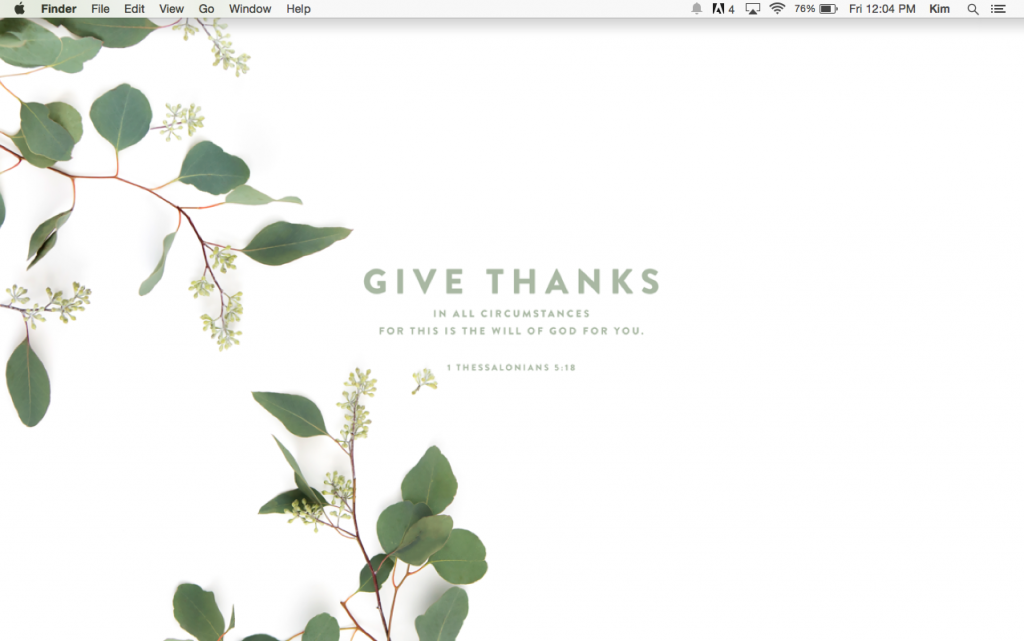
Once you’ve narrowed down the junk slowing down your desktop, move to your other folders. Move through all the files on your computer and make them easy to navigate. Instead of having a billion folders, try combining some. Have client folders and images separated by year. Combine all the awesome PDF’s you have into one folder. You get the drift.
Here are a few other tips for getting your computer running so fast it’s freaky:
- Always try to have as few programs running, and as few tabs open on the internet, as possible!
- Run a disk repair (or maybe two in a row) a few times a month (just search disk repair and you’ll find the program!).
- Consider storing the files you don’t use on a consistent basis to an external hard drive.
- Remove programs you don’t use.
- Empty your recycling bin on the regular!
Do you have tips for improving your computer’s speed? Shout them out!


Latest posts by Kimberly Haydn (see all)
- Holiday Hacks + How to Have a Good Enough Christmas (and LOVE it) - December 5, 2018
- Increase Summer Sales with These Marketing Ideas! - July 4, 2018
- Seasons of Change: Navigating Building a Business while Raising Your Children - September 24, 2017